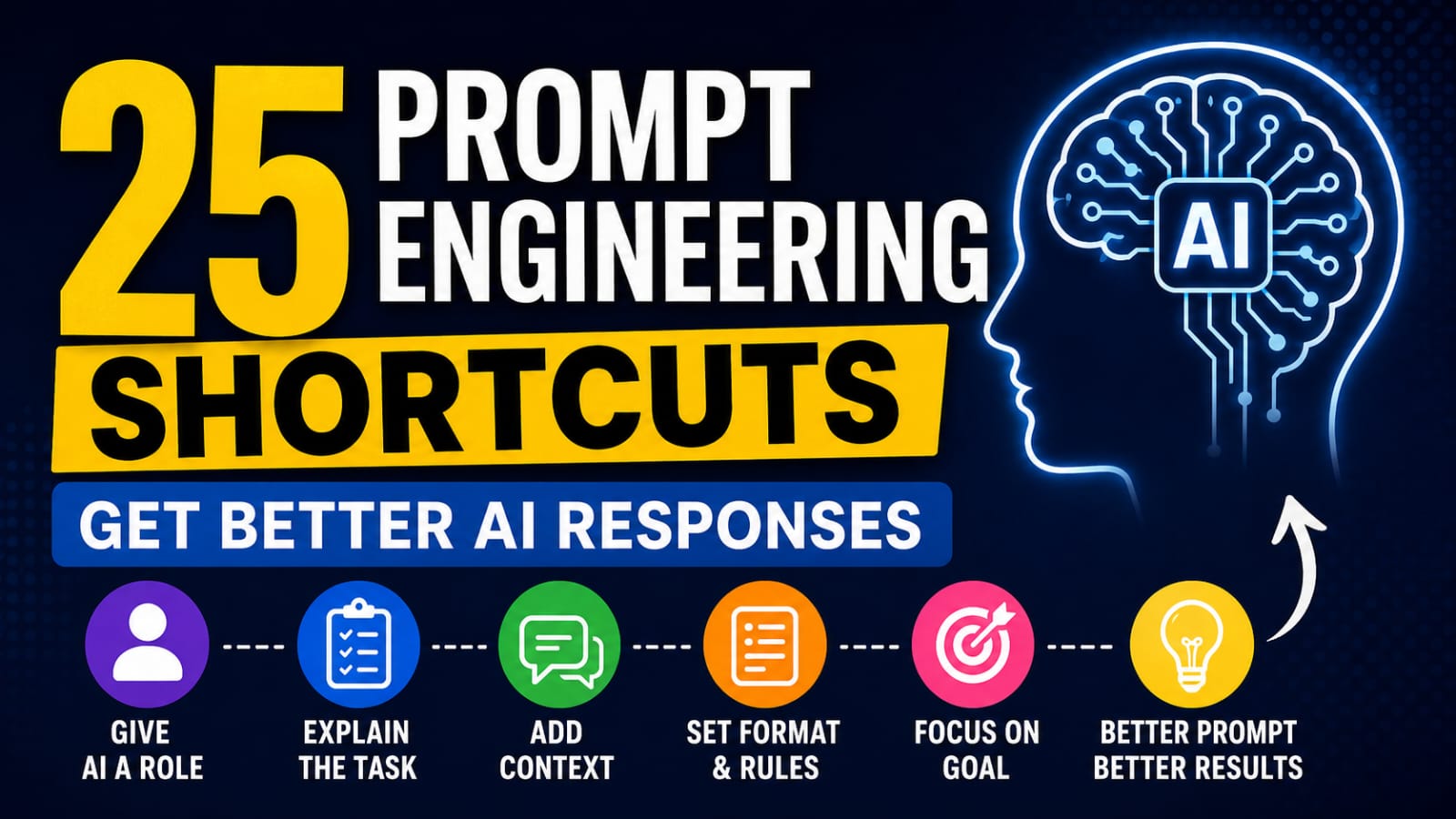
25 Prompt Engineering Shortcuts to Get Better AI Responses (With Examples)
Introduction
Artificial Intelligence is changing how we learn, write, code, design, and solve problems. Millions of people use ChatGPT, Gemini, Claude, and other AI tools every day. However, many users still ask one simple question:
Why do I get bad AI answers even when I ask the right question?
The answer is usually not the AI. It is the prompt.
A prompt is the instruction you give to an AI model. Small changes in your prompt can completely change the quality of the response. The better your prompt, the better your result.
This is where Prompt Engineering becomes important.
You do not need to learn programming or become an AI engineer. You only need to understand a few simple techniques that help AI understand exactly what you want.
In this guide, you will learn 25 Prompt Engineering shortcuts that are easy to use and work with popular AI tools like ChatGPT, Gemini, Claude, Grok, Microsoft Copilot, Perplexity, and many others.
Whether you are a student, creator, marketer, developer, entrepreneur, or an everyday AI user, these shortcuts will help you write better prompts, reduce mistakes, and save time.
Good prompts do not make AI smarter. They help AI understand your request more clearly.
What is Prompt Engineering?
Prompt Engineering is the process of writing clear and effective instructions that help AI generate better responses.
Think of it like giving directions to another person. If your instructions are confusing, the result may also be confusing. If your instructions are specific, organized, and clear, the AI is much more likely to give you the answer you need.
A prompt can be as simple as:
- "Write a blog post about AI."
Or as detailed as:
- "Act as an SEO expert. Write a 1,500-word beginner-friendly blog about Prompt Engineering. Use simple English, headings, bullet points, examples, and a conclusion."
The second prompt gives the AI more context, so the response is usually more useful.
Prompt Engineering is not about using difficult words. It is about communicating your goal clearly.
Why Prompt Engineering Matters
Many people believe that AI always gives the best possible answer. In reality, AI can only respond based on the information and instructions it receives.
Good Prompt Engineering helps you:
- Get more accurate responses.
- Save time by reducing repeated prompts.
- Improve content quality.
- Receive responses in the format you want.
- Reduce misunderstandings.
- Increase productivity with AI tools.
Whether you use AI for writing, coding, business, education, research, marketing, or creative work, Prompt Engineering is one of the most valuable skills you can learn today.
The quality of your AI output depends heavily on the quality of your input.
In the next section, you will discover 25 practical Prompt Engineering shortcuts that you can start using immediately.
25 Prompt Engineering Shortcuts
Shortcut 1: Give AI a Role
One of the easiest ways to improve AI responses is to tell the AI who it should be before asking your question.
Instead of asking a normal question, assign a role like SEO Expert, Marketing Consultant, Teacher, Lawyer, Software Engineer, or Copywriter.
When AI knows its role, it understands the context better and gives more focused answers.
Example
❌ Write a product description.
✅ Act as an eCommerce copywriter. Write a persuasive product description for a wireless gaming mouse.
Tip: Always choose a role that matches your goal.
Shortcut 2: Explain the Task Clearly
Many people write prompts that are too short.
AI cannot read your mind. Tell it exactly what you want.
Instead of saying "Write a blog," explain the purpose.
Example
❌ Write about Prompt Engineering.
✅ Write a beginner-friendly blog explaining Prompt Engineering with simple English, practical examples, and actionable tips.
Shortcut 3: Add Context
Context tells AI why you need the response.
Without context, AI has to guess.
With context, responses become more relevant.
Example
❌ Write an email.
✅ Write a professional email inviting AI creators to publish their prompts on a new platform called Promzen.
Small context can create a big difference.
Shortcut 4: Define the Output Format
Sometimes AI gives long paragraphs when you only wanted a table or checklist.
Always tell the AI the output format.
Example
- Bullet List
- Table
- JSON
- Markdown
- Step-by-step guide
- FAQ
- Comparison table
Prompt:
Summarize this article in a table with three columns:
Topic | Explanation | Example
Shortcut 5: Set Rules and Constraints
Constraints help AI avoid unwanted responses and make the output more consistent.
You can control:
- Word count
- Tone
- Language
- Reading level
- Number of examples
- Paragraph length
- Output format
The more specific your instructions are, the more predictable the result becomes.
Example
Write a LinkedIn post.
Requirements:
- Under 200 words
- Simple English
- Professional tone
- One CTA
- No emojis
Shortcut 6: Give an Example (Few-Shot Prompting)
Instead of only giving instructions, show AI an example.
AI learns patterns very well. When you provide one or two examples, it understands the style, structure, and format you expect.
Example
Input:
Product: Notebook
Output:
A premium notebook designed for students and professionals.
Now write one for:
Product: Wireless Keyboard
AI copies patterns better than assumptions.
Shortcut 7: Specify the Audience
The same topic should be explained differently for different people.
Tell AI who will read the content before asking your question.
Examples:
- Beginners
- Students
- Founders
- Developers
- Teachers
- Parents
- Marketing Professionals
Example
Explain Prompt Engineering to a 15-year-old student using simple English.
This produces a very different answer than writing for AI researchers.
Shortcut 8: Mention What to Avoid
Most users only say what they want.
Experts also tell AI what not to do.
This helps AI avoid unnecessary mistakes and produce cleaner results.
Example
Write a blog post.
Do not:
- Use difficult words.
- Repeat ideas.
- Add unnecessary introductions.
- Use passive voice too much.
- Make paragraphs longer than four lines.
Good prompts tell AI what to do and what to avoid.
Shortcut 9: Define the Tone
The tone of your prompt changes how the AI writes its response.
Without a defined tone, AI may produce content that does not match your audience or purpose.
Some common tones include:
- Professional
- Friendly
- Casual
- Formal
- Persuasive
- Conversational
Example
❌ Write a product description.
✅ Write a product description in a professional, friendly, and persuasive tone.
Tip: Choose a tone that matches your audience and goal.
Shortcut 10: Set the Response Length
AI does not know how long you want the response unless you tell it.
Mentioning the length helps AI stay focused and avoid unnecessary details.
You can specify:
- Number of words
- Number of paragraphs
- Number of bullet points
- Reading time
Example
❌ Explain Prompt Engineering.
✅ Explain Prompt Engineering in under 200 words using simple English.
Shortcut 11: Break Complex Tasks into Steps
Large tasks can confuse AI.
Instead of asking AI to do everything at once, divide the task into smaller steps.
This improves clarity and often produces better results.
Example
❌ Create a business plan.
✅ Create a business plan step by step.
- Research the market.
- Identify the target audience.
- Create a revenue model.
- Suggest a marketing strategy.
- List possible risks.
Tip: This shortcut works especially well for research, coding, and business planning.
Shortcut 12: Ask for Multiple Options
Do not stop at the first answer.
Ask AI to generate multiple versions so you can compare and choose the best one.
Example
❌ Write a YouTube title.
✅ Generate 10 SEO-friendly YouTube titles for a beginner's guide to Prompt Engineering.
This shortcut works well for:
- Blog titles
- YouTube titles
- Email subject lines
- Product names
- Social media captions
- Ad copy
The best idea is often not the first one.
Shortcut 13: Ask AI to Think Step by Step
Some questions are too complex to solve in a single step.
Ask AI to break the problem into smaller parts before giving the final answer. This often improves accuracy and makes the response easier to understand.
Example
❌ How can I start a SaaS business?
✅ Think step by step and explain how to start a SaaS business with no budget. Cover idea validation, MVP, marketing, monetization, and scaling.
Tip: This shortcut works best for complex topics like business, coding, research, and strategy.
Shortcut 14: Define the Output Language
Do not assume AI knows which language you want.
Always mention the language, especially if your audience speaks a specific language or you need a certain writing style.
Example
❌ Explain Prompt Engineering.
✅ Explain Prompt Engineering in simple English that a beginner can understand.
Shortcut 15: Assign a Target Audience
A good response depends on who will read it.
The same topic should be explained differently for a beginner, a student, a business owner, or an experienced developer.
Example
❌ Explain SEO.
✅ Explain SEO to a small business owner with no technical knowledge.
Tip: Mentioning the audience helps AI choose the right words, examples, and level of detail.
Shortcut 16: Ask AI to Compare
Comparison prompts help you understand differences quickly.
Instead of learning one concept at a time, ask AI to compare multiple options side by side.
Example
❌ Explain ChatGPT.
✅ Compare ChatGPT, Gemini, Claude, and Perplexity in a table based on features, strengths, weaknesses, pricing, and best use cases.
This shortcut is useful for:
- AI tools
- Software
- Products
- Business ideas
- Programming languages
- Marketing strategies
Comparing options makes decision-making easier.
Shortcut 17: Ask AI to Improve Its Own Response
Your first AI response is not always the best one.
Instead of writing a completely new prompt, ask AI to improve, rewrite, or optimize its previous answer.
Example
❌ Write another version.
✅ Improve the previous response by making it more engaging, shorter, and easier to understand.
Tip: Refining an existing response is usually faster than starting from scratch.
Shortcut 18: Separate Multiple Tasks
Avoid asking AI to do many unrelated tasks in a single prompt.
Breaking your request into clear sections helps AI produce better and more organized results.
Example
❌ Write a blog, create a logo, generate hashtags, and write an email.
✅ First, write the blog. After that, generate 10 hashtags. Finally, write a promotional email.
Shortcut 19: Mention the Goal
Tell AI what you want to achieve, not just what you want it to do.
Knowing the goal helps AI make better decisions while generating the response.
Example
❌ Write a landing page.
✅ Write a landing page that encourages visitors to sign up for a free AI newsletter.
Tip: A clear goal leads to more focused and useful responses.
Shortcut 20: Request a Specific Structure
If you want a well-organized response, tell AI exactly how to structure it.
This is especially useful for blogs, reports, presentations, and tutorials.
Example
Write a blog using this structure:
- Introduction
- Main Points
- Examples
- Common Mistakes
- Conclusion
- FAQ
A predefined structure saves editing time and keeps the content organized.
Shortcut 21: Ask AI to Verify Information
AI can sometimes make mistakes or provide outdated information.
If accuracy is important, ask AI to verify facts, mention uncertainty, or cite reliable sources when available.
Example
❌ Explain the latest AI news.
✅ Explain the latest AI news. If any information is uncertain, clearly say so and use reliable sources where possible.
Shortcut 22: Use Delimiters to Separate Information
Delimiters help AI understand where one piece of information ends and another begins.
This is useful when working with long text, documents, emails, or datasets.
Example
Summarize the text between the triple quotes.
"""
Paste your article here.
"""
Tip: You can also use ``` ``` , <text></text>, or other clear separators.
Shortcut 23: Ask AI to Ask Questions First
Sometimes AI does not have enough information to give the best answer.
Instead of letting it guess, ask AI to ask questions before answering.
Example
❌ Create a marketing strategy.
✅ Before creating the marketing strategy, ask me the questions you need to understand my business.
Better questions usually lead to better answers.
Shortcut 24: Tell AI to Use a Persona
A persona is different from a simple role.
A role tells AI what job to perform, while a persona defines experience, thinking style, and expertise.
Example
Act as a startup founder with 15 years of experience who has launched multiple successful SaaS companies. Help me validate my business idea.
A detailed persona often produces more realistic and practical advice.
Shortcut 25: Combine Multiple Shortcuts
The best prompts usually combine several shortcuts instead of using only one.
You can combine role, context, audience, tone, format, constraints, and examples into a single prompt for much better results.
Example
Act as an SEO expert.
Write a beginner-friendly blog about Prompt Engineering.
Requirements:
- Simple English
- 1,500 words
- Professional tone
- Include examples
- Add FAQs
- End with a strong call to action
Great prompts are built by combining multiple Prompt Engineering shortcuts, not by relying on just one.
Common Mistakes to Avoid
Even experienced AI users make mistakes while writing prompts. Avoiding these common errors can improve your results immediately.
- Writing prompts that are too short or too vague.
- Asking multiple unrelated questions in one prompt.
- Forgetting to define the audience.
- Not specifying the desired output format.
- Ignoring tone and writing style.
- Expecting AI to know missing context.
- Accepting the first response without refining it.
- Trusting AI-generated information without verification.
A better prompt usually leads to a better response.
Best Practices
Follow these best practices whenever you write a prompt:
- Be clear and specific.
- Give enough context.
- Define the role when needed.
- Mention your target audience.
- Specify the output format.
- Set rules and constraints.
- Use examples whenever possible.
- Refine the response instead of starting over.
- Verify important facts before using them.
Conclusion
Prompt Engineering is not about using complicated words or learning programming. It is about communicating with AI in a clear and structured way.
The 25 Prompt Engineering shortcuts in this guide can help you create better prompts, save time, and improve the quality of AI-generated responses.
Start by using just a few shortcuts in your daily work. As you become more comfortable, combine multiple shortcuts to create powerful prompts for writing, coding, research, marketing, business, and much more.
The more you practice Prompt Engineering, the better your AI results will become.
Great AI results start with great prompts.
If you found this guide helpful, explore more AI resources, prompts, and tutorials on Promzen.
Frequently Asked Questions (FAQ)
1. What is Prompt Engineering?
Prompt Engineering is the process of writing clear instructions that help AI generate better responses.
2. Which AI tools support these shortcuts?
Most modern AI tools, including ChatGPT, Gemini, Claude, Grok, Microsoft Copilot, and Perplexity.
3. Do I need coding knowledge to learn Prompt Engineering?
No. Anyone can learn Prompt Engineering without programming experience.
4. Which shortcut should beginners learn first?
Start with defining a role, adding context, explaining the task clearly, and specifying the output format.
5. Can I combine multiple shortcuts in one prompt?
Yes. Combining multiple shortcuts usually produces the best AI responses.